Home Page Overview
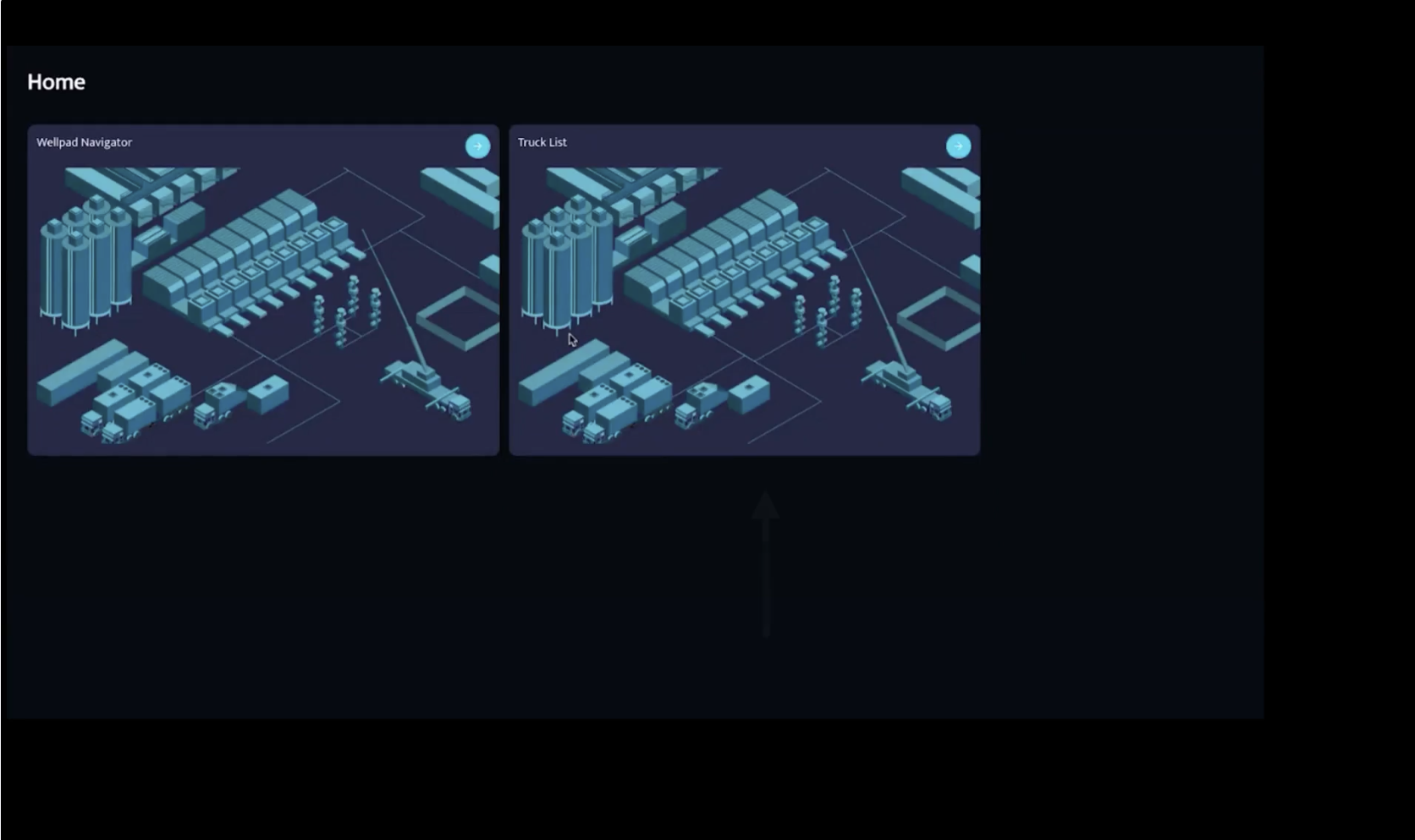
When you log in, you’ll see two main modules:
1. Well Pad Navigator
Your central hub for viewing and managing all well pad activity.
2. Truck List
A complete overview of all trucks, including their status, performance, and activity.
Well Pad Navigator
The Well Pad Navigator includes two views to help you understand operations from different angles:
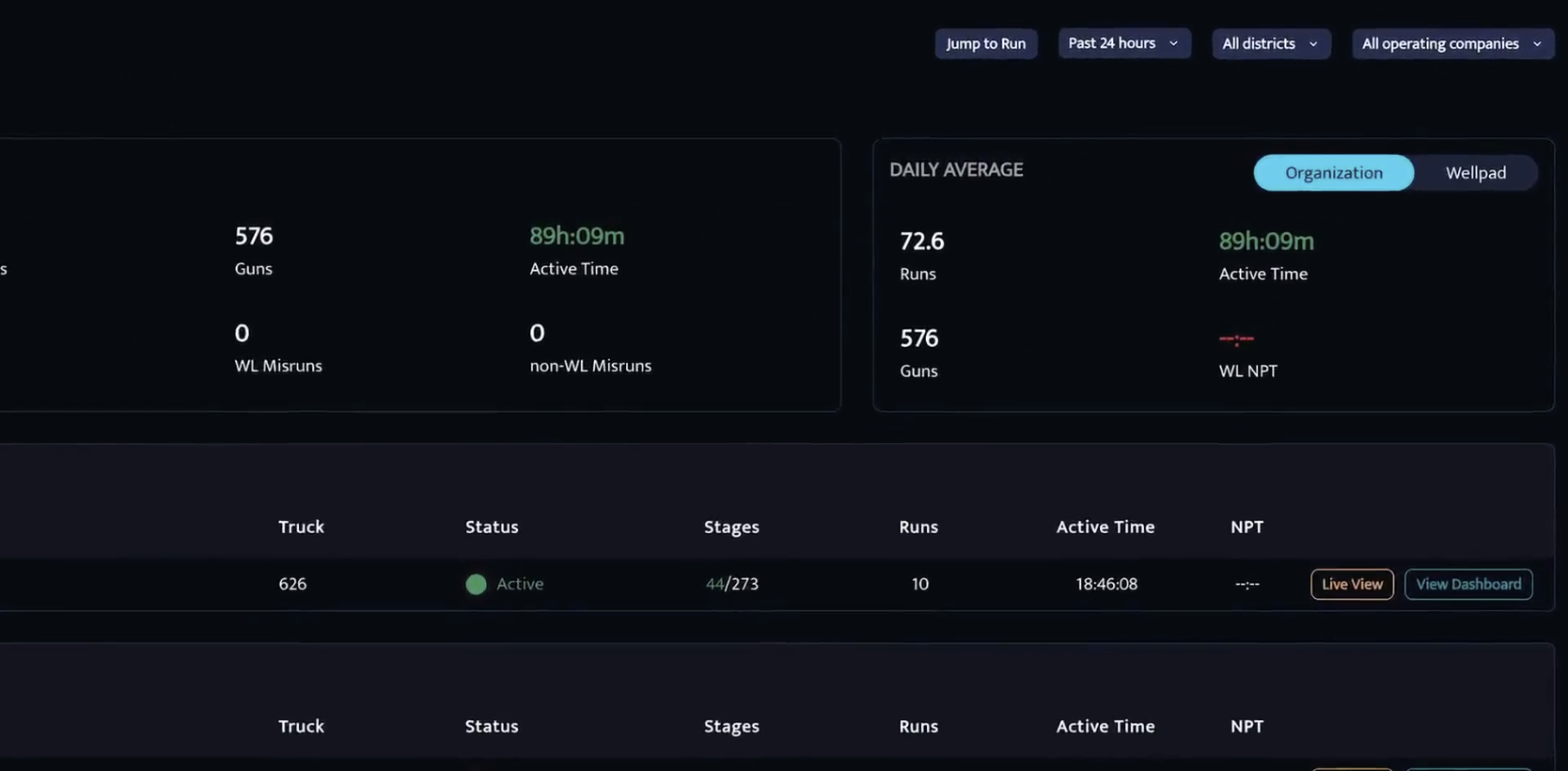
Organization View
Shows average activity across all trucks—ideal for understanding overall fleet performance.
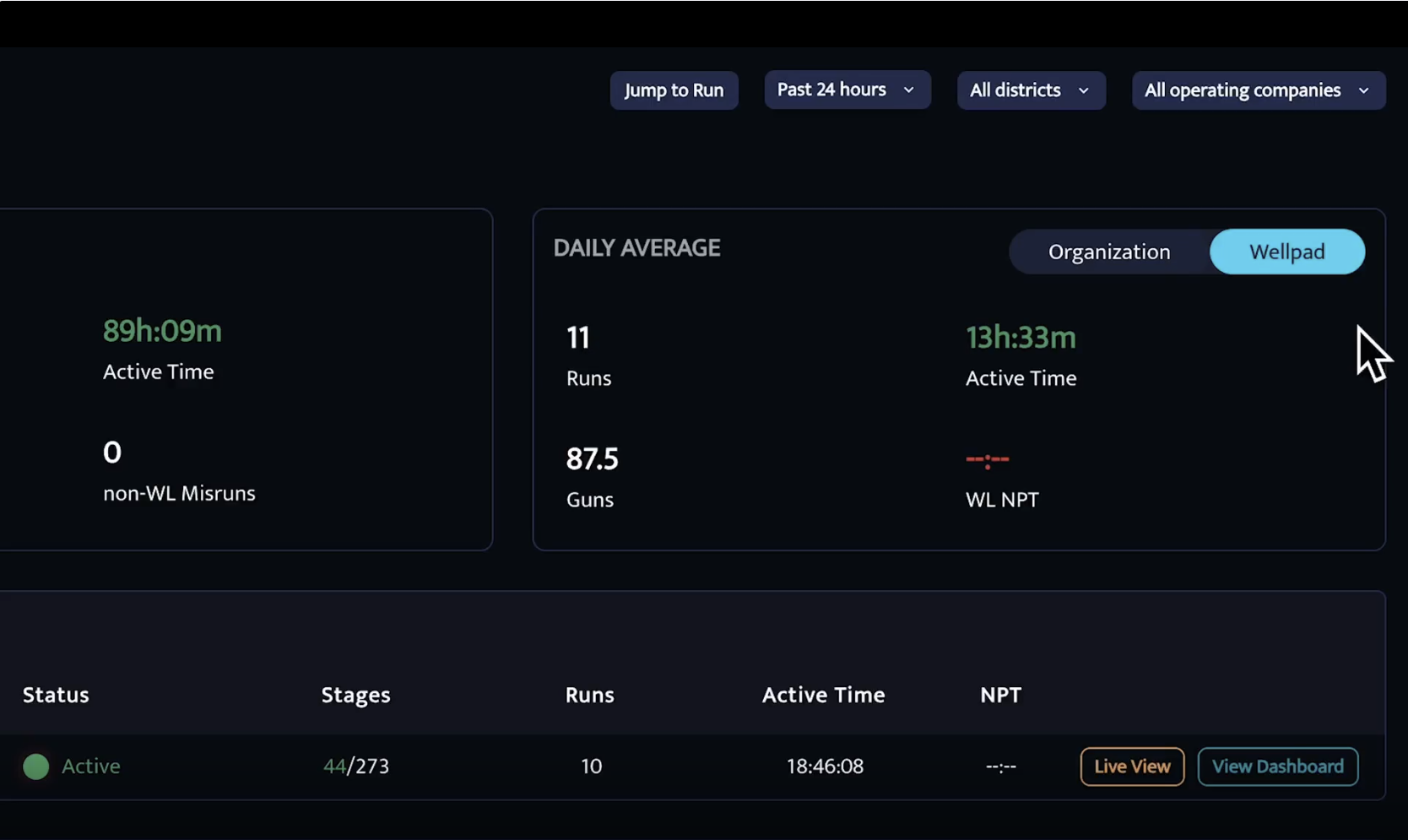
Well Pad View
Breaks down activity per well pad, such as average runs per crew, making it easier to spot trends or performance differences.
Total Metrics Section
Here you’ll find key performance indicators, such as:
Total Runs Completed
Number of Well Pads Selected
Total Guns Fired
Active Time
Misfires & Misruns
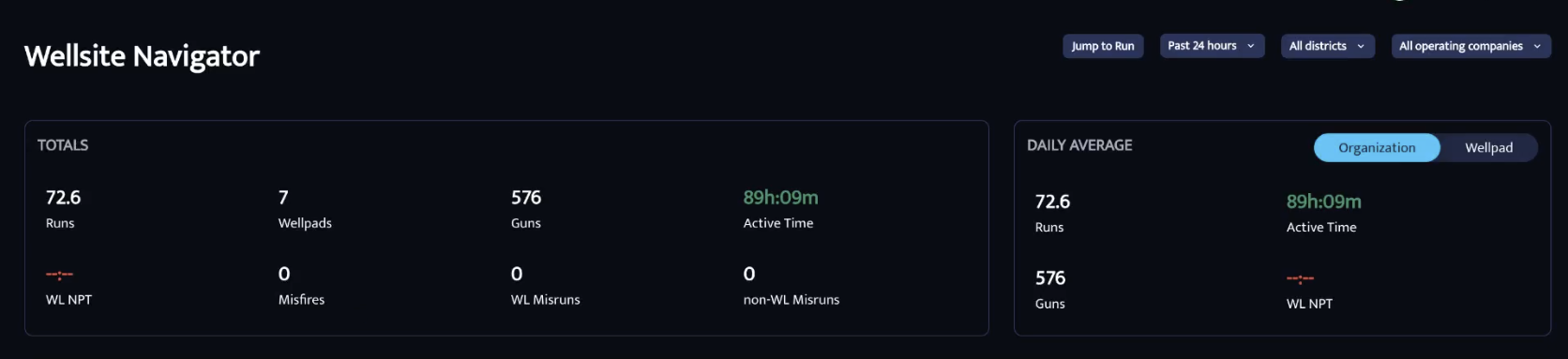
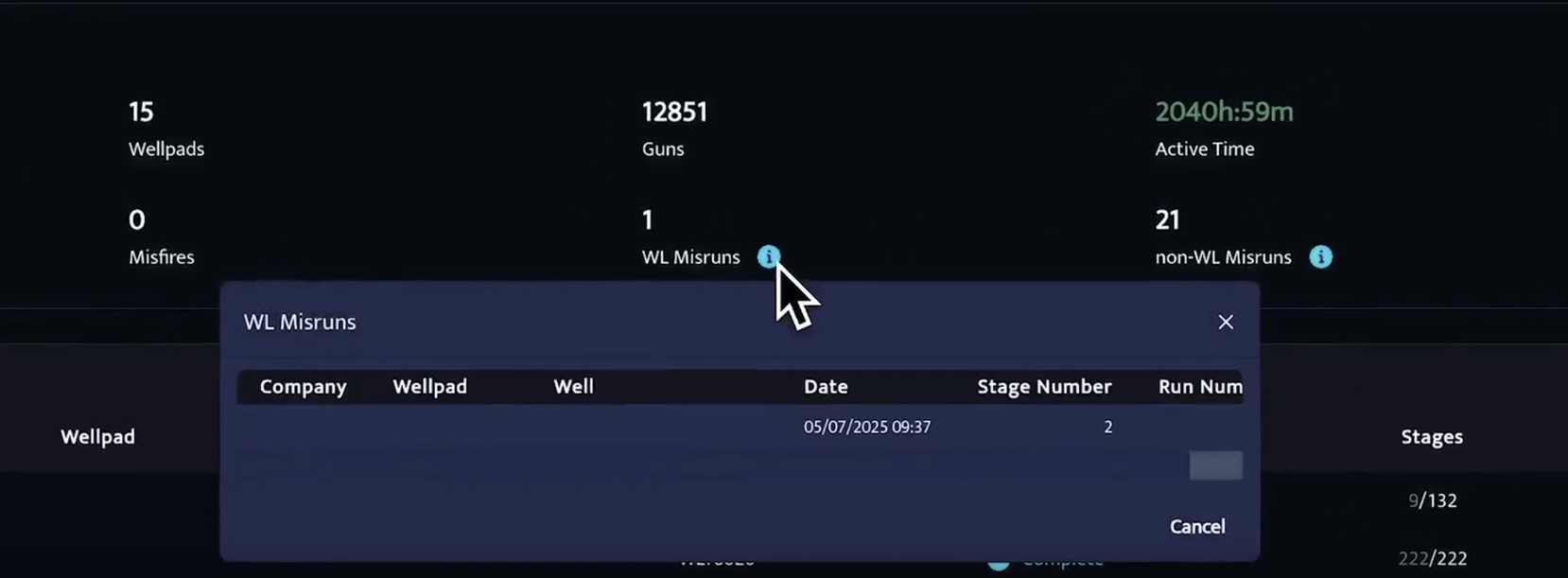
Whenever a misfire or misrun occurs, a blue info button provides direct access to the detailed stage report.
Filtering Options
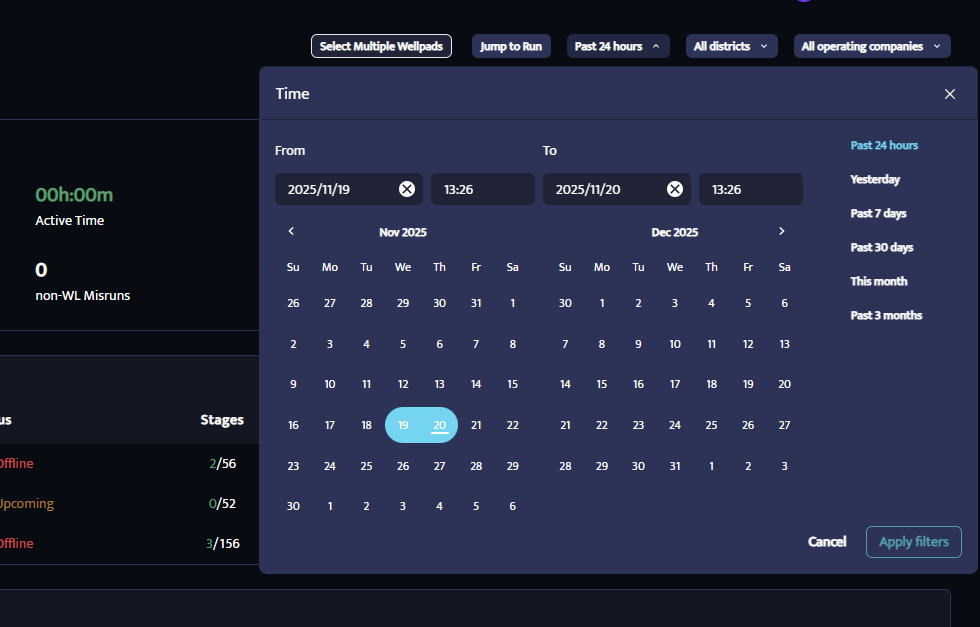
dipoleCLOUD allows you to narrow down your views using:
Time Frame Filters
Operating Company Filters
District Filters
Trial accounts use service companies instead of districts.
Truck Status & Activity
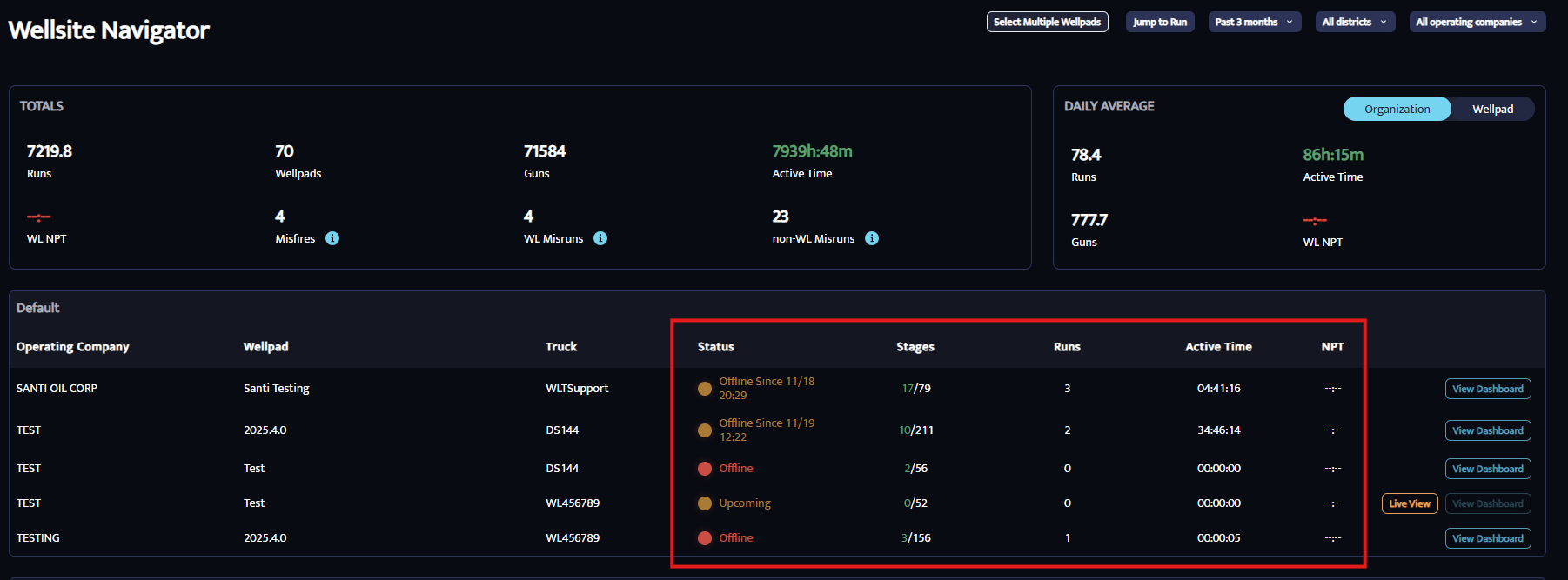
Each truck displays real-time or recent status information:
Complete
Active
Offline
Idle
Upcoming
Additional data includes:
Completed stages
Number of runs
Active time
Non-productive time (currently not active)
Key Action Buttons
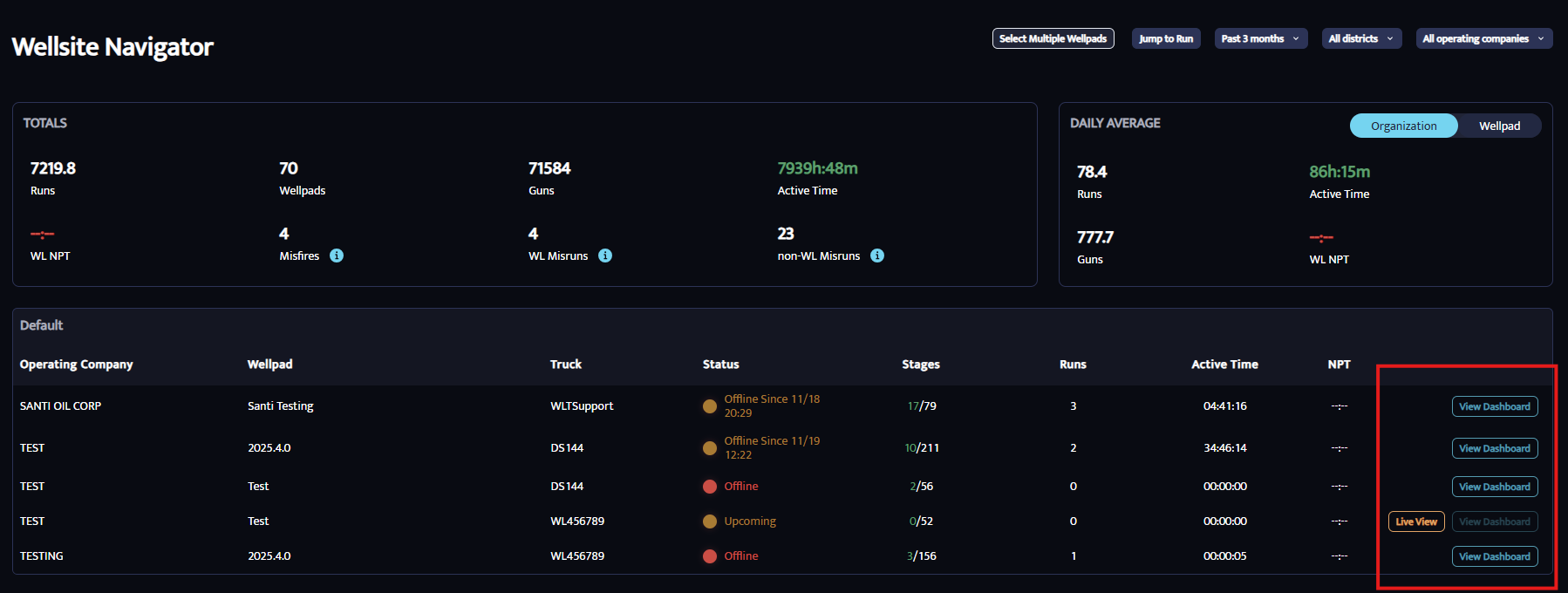
Live View
See what trucks are doing in real time—great for troubleshooting.
View Dashboard
Opens a detailed performance page for a specific well pad.
Was this article helpful?
That’s Great!
Thank you for your feedback
Sorry! We couldn't be helpful
Thank you for your feedback
Feedback sent
We appreciate your effort and will try to fix the article