The Truck List option in dipoleCLOUD allows you to review truck activity within a selected time window and access all recorded data.
Log in to dipoleCLOUD.
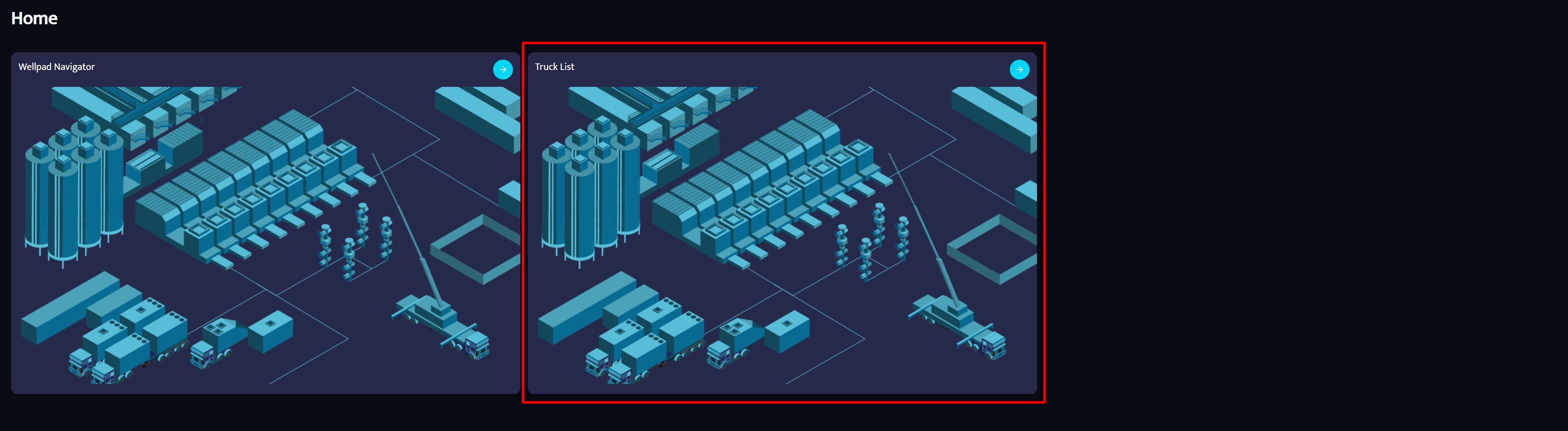
Click on Truck List.
In the top right corner, you will see:
The time window currently selected
The truck currently selected
Use the dropdown arrows to change the truck or the time window you want to review.
After selecting a truck, the activity for that time period will appear on the graph.
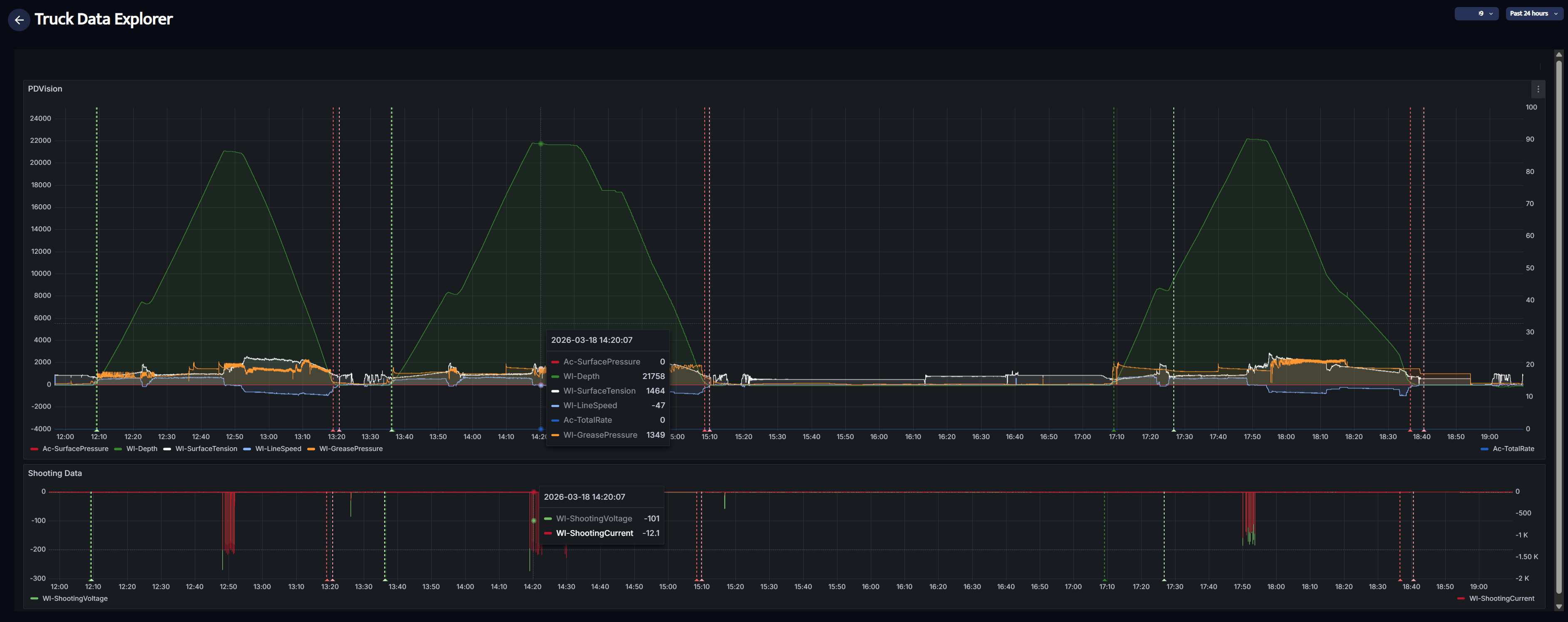
Move your mouse over any run on the graph to see the data for that exact moment.
To zoom in on a specific time period, click and hold the mouse, then drag across the time range you want to review. This will show the data in greater detail.
Was this article helpful?
That’s Great!
Thank you for your feedback
Sorry! We couldn't be helpful
Thank you for your feedback
Feedback sent
We appreciate your effort and will try to fix the article