The Live View feature provides real-time visibility into wireline operations, whether on-site or remote. pdVISION access will be limited to viewing only with the posibility to consult the shot plan for every stage. In addition, it enables operating representatives to review, approve, or reject the shot plan for each stage.
How to Access the Live View Feature
Option 1: Through dipoleCLOUD
- Log in to dipoleCLOUD.
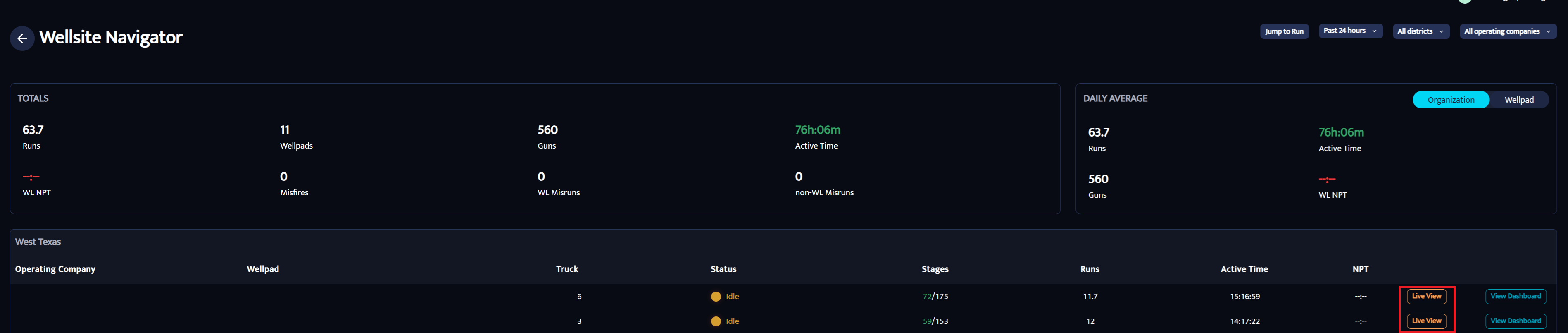
- Open the Wellsite Navigator.
- Locate the wellpad you would like open the Live View option.
- On the right side of the screen, you will see the “Live View” button
- A new browser tab will open displaying the Live View.
Option 2: Direct Access (Operating Company Representative)
If you are registered as an Operating Company representative in the pdVISION Notification Center: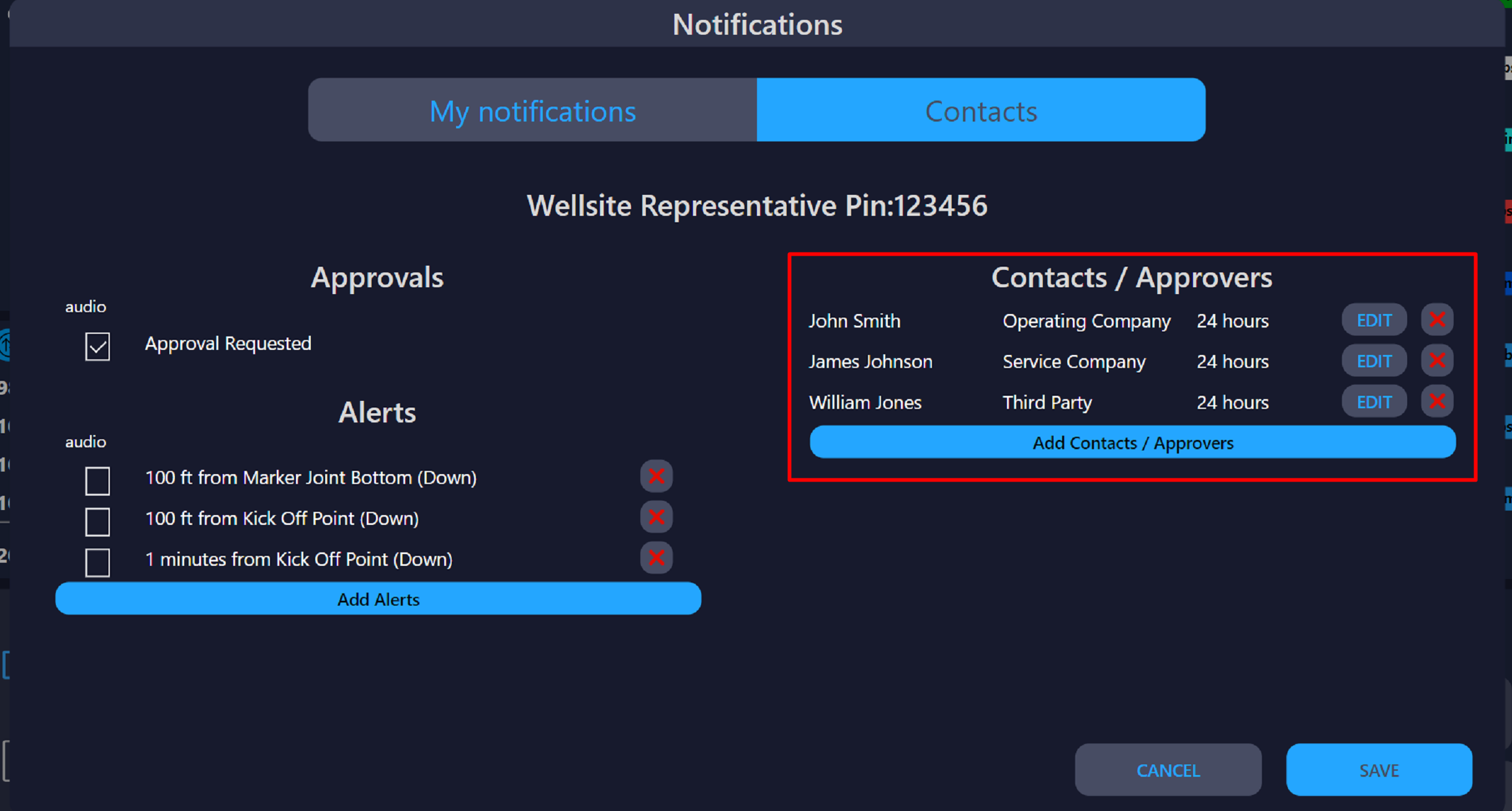
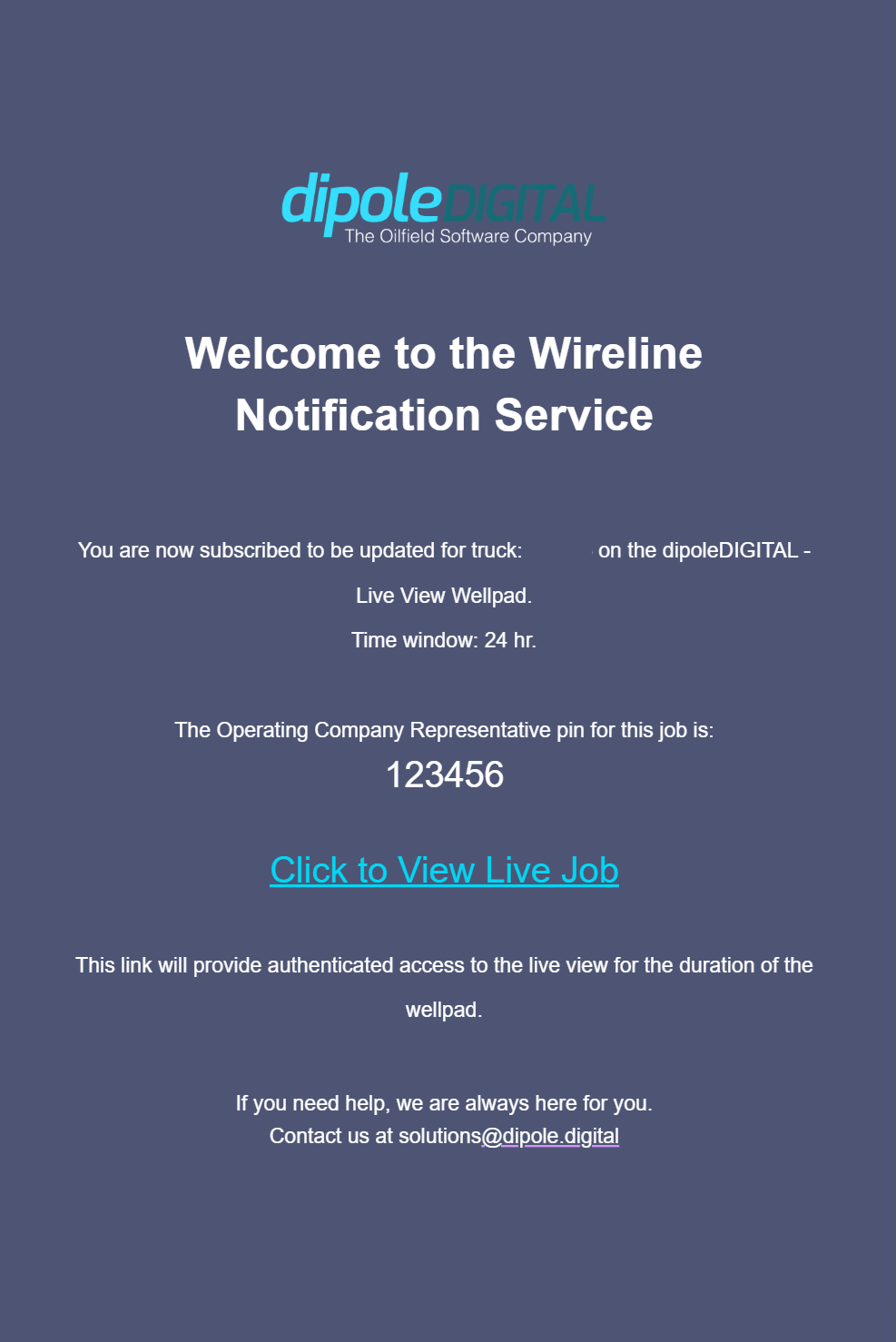
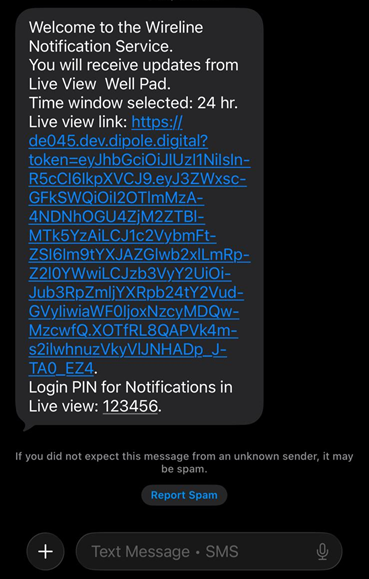
You will receive an email invitation and a text message containing a Live View link.
Click the link to access Live View directly.
No dipoleCLOUD login is required when using this link.
Email invitation:
SMS/Text message:
Option 3: Through pdVISION (Local App)
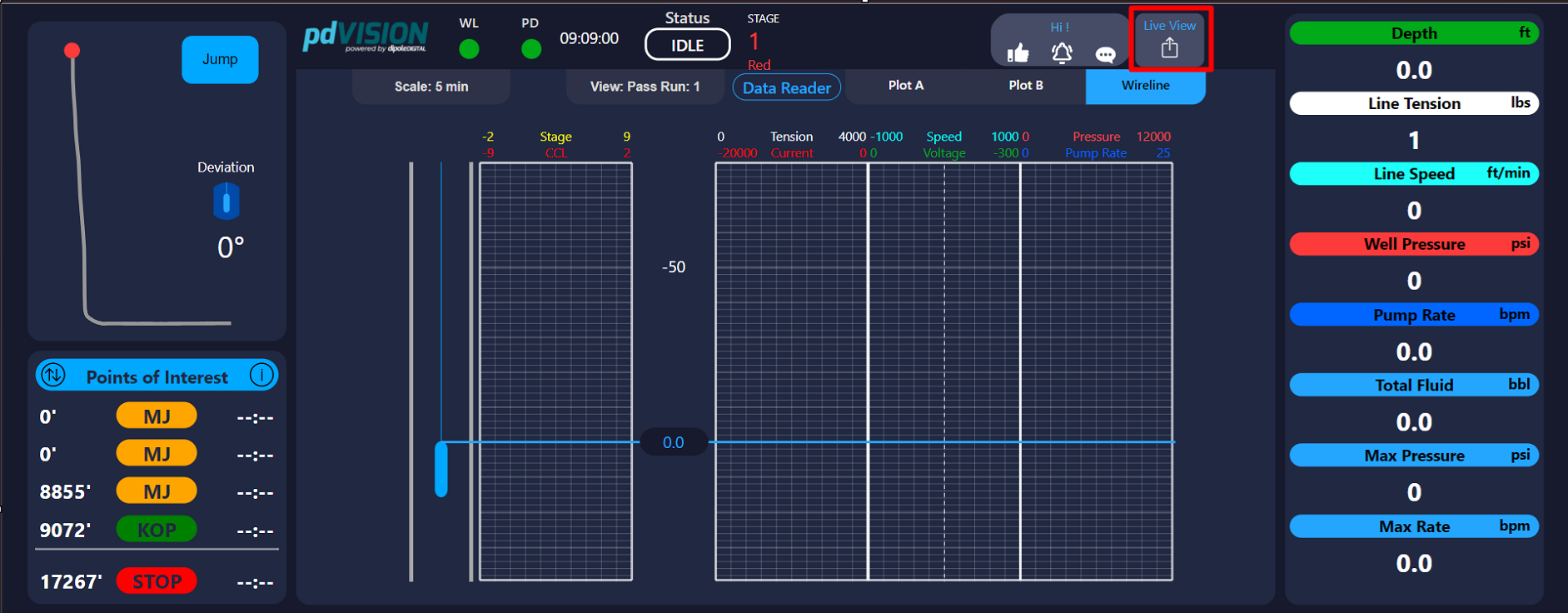
- Click the “Live View” button located in the upper-right corner of the screen.
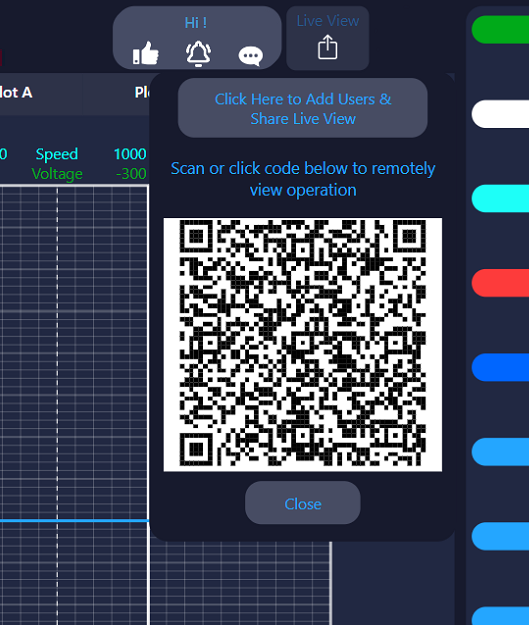
- A QR code will appear.
- Scan the QR code with your mobile device.
- The Live View for the current wellpad will open automatically on your device.
Option 4: Through local network.
This is aimed for field personnel to be able to see pdVISION locally.
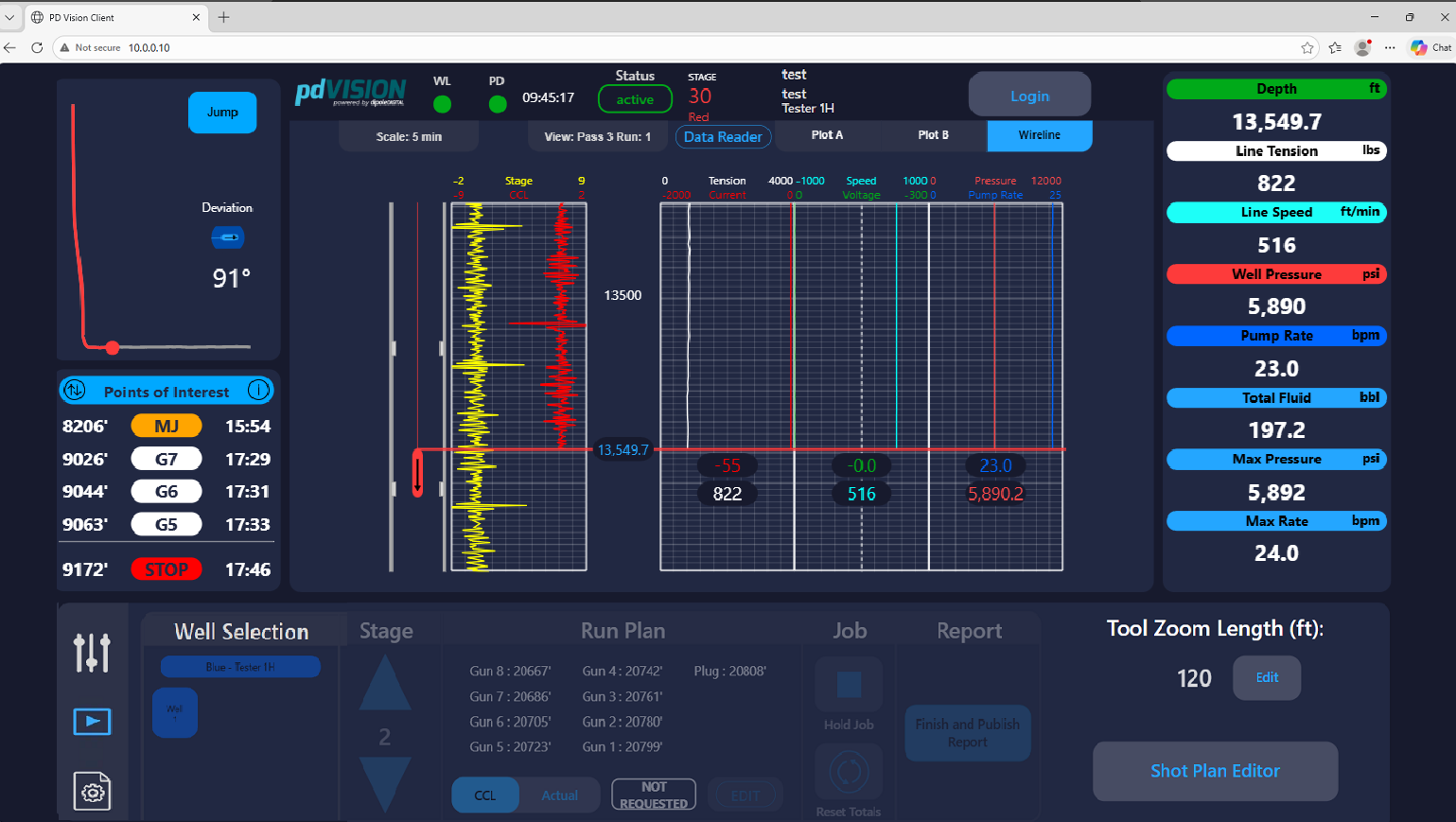
You have to be connected to the same wifi network as the dipoleEDGE or any dipoleWELLSITE Wi-Fi Network.
Go to your web browser and type the next IP address: 10.0.0.10
Live View will load in your device.
Was this article helpful?
That’s Great!
Thank you for your feedback
Sorry! We couldn't be helpful
Thank you for your feedback
Feedback sent
We appreciate your effort and will try to fix the article